Avatar Files
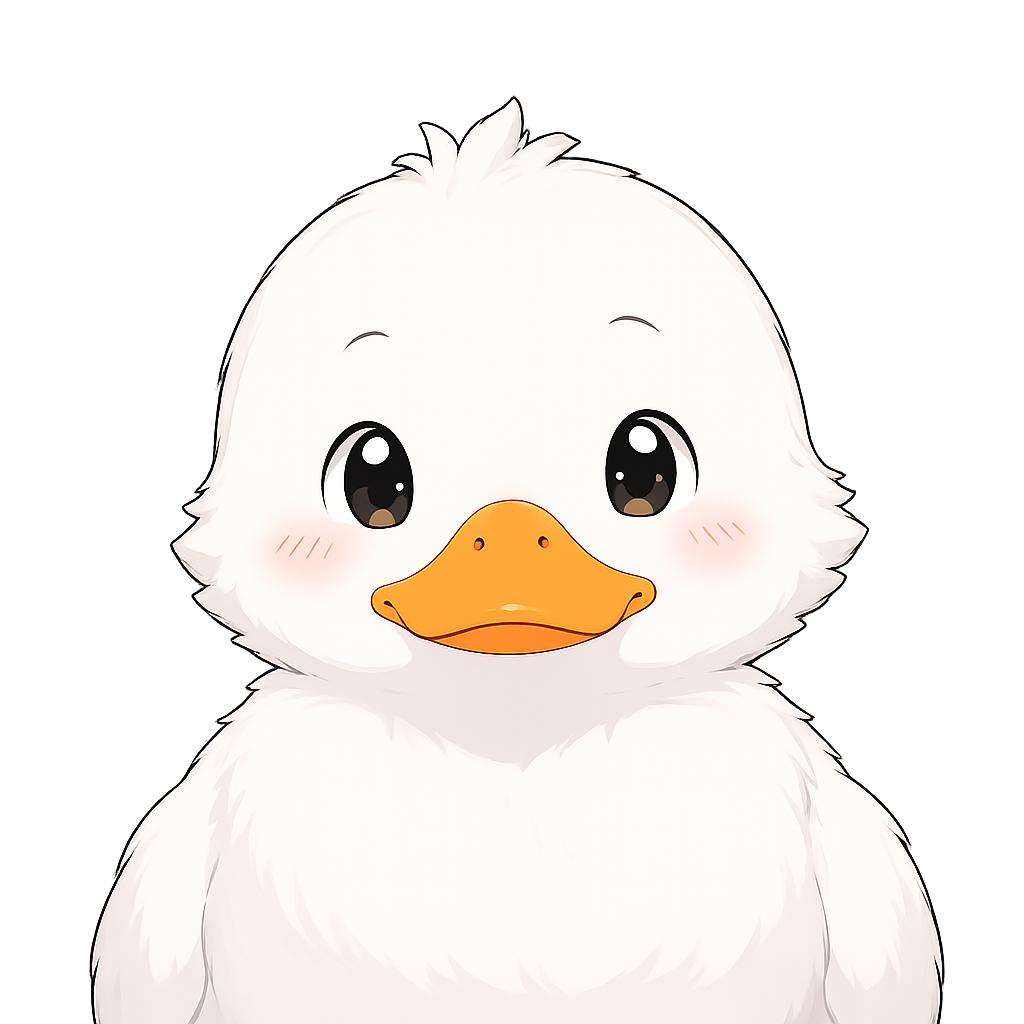
The TUI can show a startup avatar from the active profile.
Lookup order:
avatar.pngavatar.jpgavatar.jpegavatar.webpavatar.gifPlace avatar files in:
~/.duckagent/profiles/<name>/Import through profile setup
Section titled “Import through profile setup”Run:
duck profilesWhen adding a profile, the avatar prompt accepts a local path or http/https URL. Supported formats are PNG, JPG, JPEG, WEBP, and GIF. The import limit is 20 MiB.
Replace manually
Section titled “Replace manually”Copy a supported avatar file into the profile directory. If several avatar files exist, the lookup order above decides which one is displayed.